
Starter
$0 /mo
- ✓ 3 video projects per month
- ✓ Up to 2 minutes per video
- ✓ 720p export quality
- ✓ 5 AI-generated characters
- ✓ Basic voice library
- ✓ Watermarked exports
- ✓ Community support
Transform your stories into stunning animated videos with AI-powered characters, scenes, voiceovers, and music. No animation experience required.
Transform any idea into a complete script with characters, dialogue, and scene breakdowns. Our AI creates consistent characters with customizable age, gender, clothing, expressions, and personality that stay true across every scene.
Automatically convert scripts into animated scenes with backgrounds, character positions, camera movements, and actions. Generate key images in styles from Pixar-inspired to anime, then animate with walking, talking, gestures, and environmental effects.
Generate natural voices for every character with accent, emotion, and age controls. Add synchronized lip movement, background music, and sound effects like footsteps, weather, and ambience that automatically match your scenes.
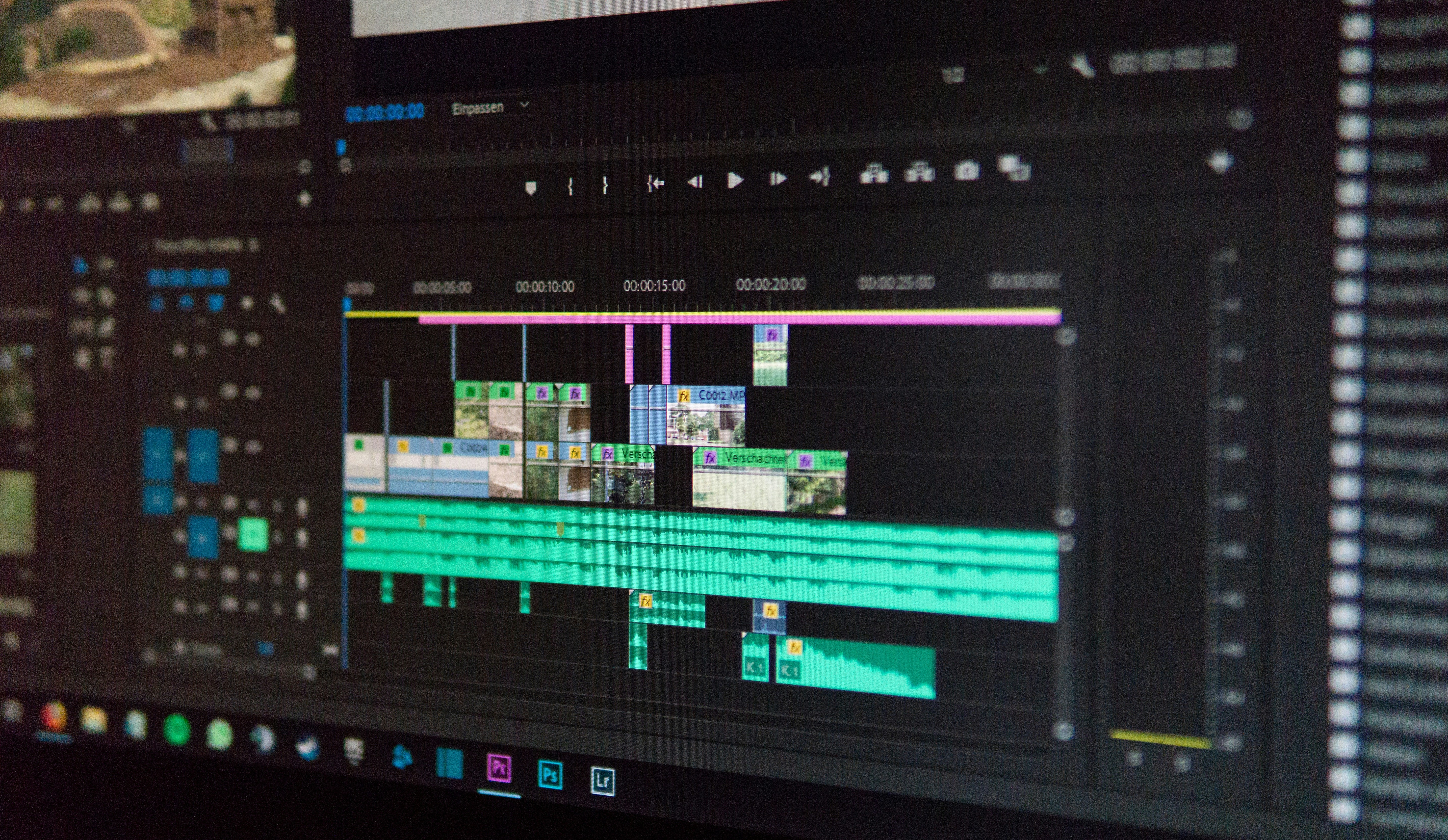
Edit your video with a professional timeline for trimming, rearranging, and regenerating scenes. Add subtitles, adjust volumes, change voices, and export in 720p to 4K for YouTube, TikTok, or Instagram with one click.


Enter Your Story Idea
Start by typing a story idea, script, folktale, or any narrative concept into our text box. Whether it's a children's tale, educational content, or sci-fi adventure, just describe what you want to create.
AI Generates Complete Script
Our AI transforms your idea into a professional script with title, characters, scene breakdown, dialogue, narration, camera directions, and animation instructions. Edit anything before moving forward.
Create Consistent Characters
Design characters by describing their age, appearance, clothing, and personality. The AI generates consistent characters that look identical across every scene, maintaining visual continuity throughout your video.
Generate Scene Images
Watch as each script scene becomes a beautiful image with backgrounds, character positions, expressions, and atmosphere. Choose from cinematic 3D, anime, African cartoon, or other styles with perfect visual consistency.
Animate Your Scenes
Transform static images into animated clips with camera movements, character actions, facial expressions, walking, talking, and gestures. Each 5-15 second clip automatically combines into your story sequence.
Add AI Voices
Generate natural voices for every character with controls for gender, age, accent, emotion, and speaking speed. Dialogue automatically synchronizes with character mouth movements for realistic animation.
Layer Music & Sound Effects
AI adds background music and sound effects like footsteps, weather, doors, and environmental ambience that perfectly match your scenes. Everything synchronizes automatically with the action.
Edit on the Timeline
Fine-tune your video with our professional timeline editor. Trim scenes, rearrange clips, regenerate content, change dialogue or voices, add subtitles, adjust volumes, and add transitions with ease.
Preview & Refine
Watch your complete animated video and make any final adjustments. Change scenes, tweak timing, update voices, or regenerate specific elements until everything is perfect.
Export & Share
Render your video in 720p, 1080p, or 4K quality. Choose 16:9 for YouTube, 9:16 for TikTok and Reels, or 1:1 for Instagram. Download as MP4 and share your creation with the world.
Interactive Tour
A powerful, intuitive interface designed for creators of all skill levels
Everything your team is shipping, in one view.
Character Library
Access all your AI-generated characters with consistent appearance across every scene. Create, save, and reuse characters instantly.
Scene Preview
Watch your animated scenes come to life in real-time. Preview animations, camera movements, and character actions before rendering.
AI Generation Panel
Generate scripts, characters, scenes, voices, and music with simple text prompts. Full creative control at your fingertips.
Timeline Editor
Professional multi-track timeline for video, dialogue, narration, music, and sound effects. Drag, trim, and rearrange with ease.
Voice & Audio Controls
Adjust character voices, background music, and sound effects. Automatic lip-sync and volume mixing included.
Pricing
Choose the plan that fits your creative needs. Upgrade, downgrade, or cancel anytime.
Save 20% with annual billing
$0 /mo
$29 /mo
$79 /mo
$199 /mo
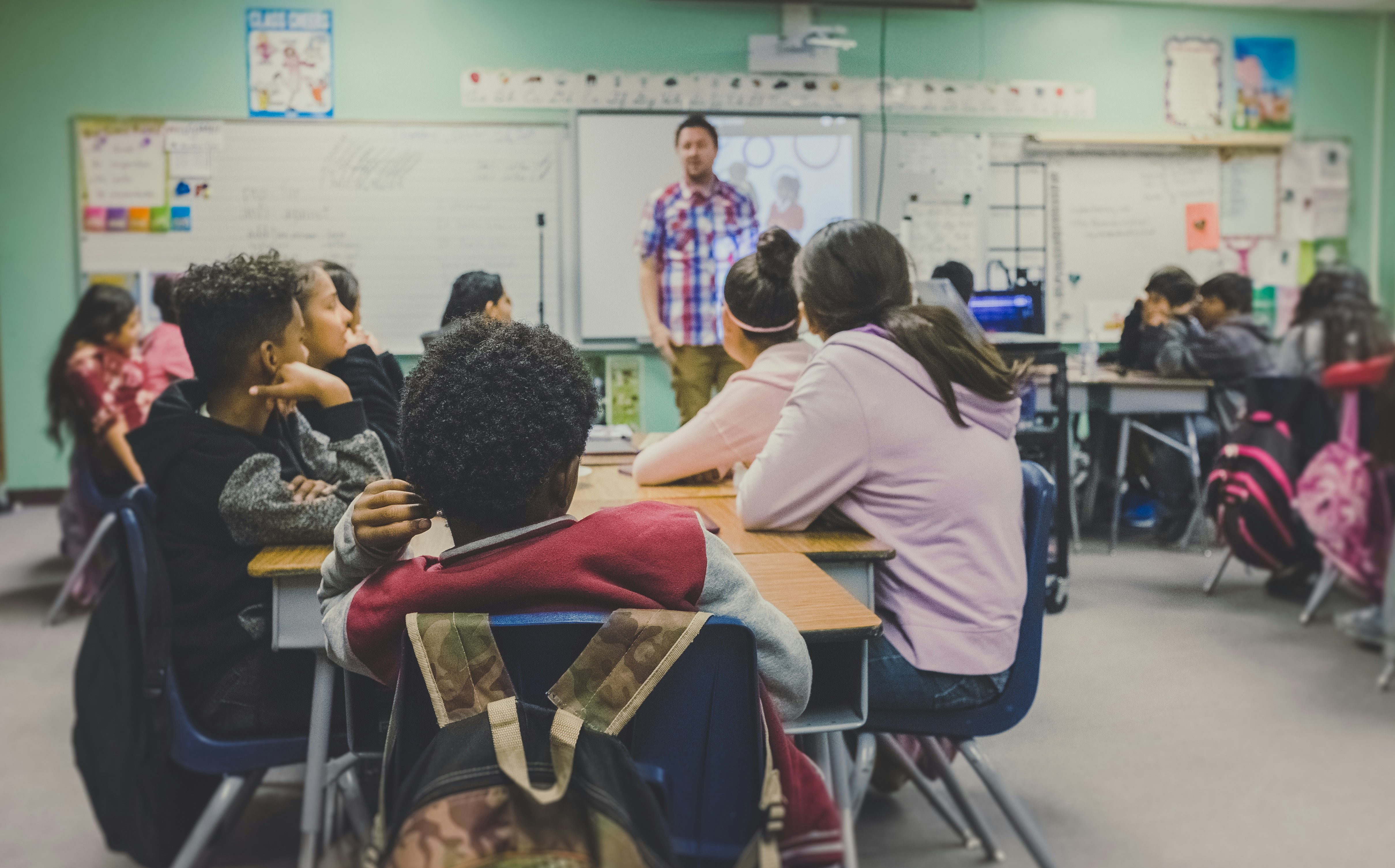
A Nigerian educator wanted to preserve traditional folktales for younger generations but lacked animation skills and budget for professional studios. Creating culturally authentic characters and environments was essential.
Using Animora AI, she generated consistent African characters with authentic clothing and settings. The AI script generator helped adapt oral stories into engaging video narratives with proper pacing and dialogue.
Published 12 animated folktales in 3 months. The series gained over 2 million YouTube views and is now used in 50+ schools across West Africa. Production cost was 95% lower than traditional animation.

A published children's author wanted to expand her stories into animated videos but had no animation experience. She needed consistent character designs that matched her book illustrations and professional voice acting.
She described her book characters in Animora AI and generated matching 3D animated versions. The AI voice generator created distinct voices for each character, and the timeline editor let her sync dialogue perfectly with animations.
Launched a YouTube channel with 8 animated stories in 2 months. Gained 150K subscribers and secured a distribution deal with a children's streaming platform. Book sales increased 300%.
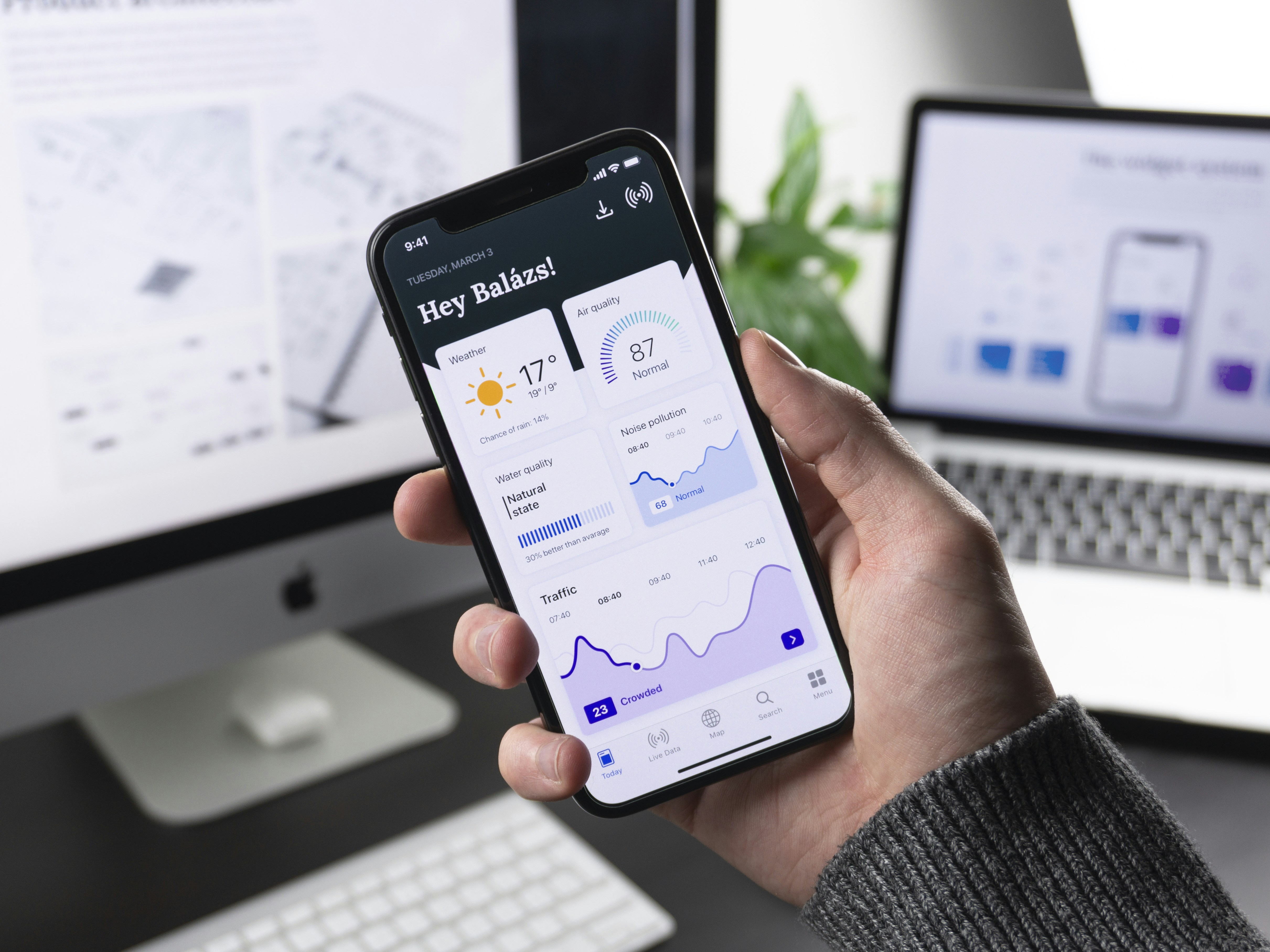
A digital marketing agency needed to produce explainer videos for multiple clients but faced long turnaround times and high costs with freelance animators. Each client required unique characters and brand-specific styles.
The agency adopted Animora AI for rapid prototyping and production. They created character templates for each client brand and used the script generator to turn product descriptions into engaging video narratives.
Reduced video production time from 2 weeks to 2 days. Increased monthly video output from 4 to 40 videos. Client retention improved 60% due to faster delivery and lower costs.

A high school science teacher wanted to make complex topics engaging for students through animated videos but had zero budget and no technical skills. Traditional video creation tools were too complicated.
He used Animora AI to turn lesson plans into animated explainer videos. The AI generated scientific visualizations, character demonstrations, and narration. Students could finally see abstract concepts come to life.
Created 25 science videos covering physics, chemistry, and biology. Videos went viral on TikTok with 5M+ views. Now sells curriculum packages to other schools and earns passive income.

An indie game studio needed a cinematic story trailer for their fantasy RPG but couldn't afford a professional animation studio. They needed high-quality 3D characters and epic scenes on a tight deadline.
The team used Animora AI to generate their game characters in cinematic 3D style. They created dramatic scenes with camera movements, battle sequences, and emotional dialogue, then edited everything in the timeline.
Launched a 2-minute cinematic trailer that generated 500K views and 10K wishlists on Steam in the first week. The trailer cost under $200 to produce versus $50K+ for traditional studios.
A content creator wanted to stand out on TikTok and Instagram Reels with unique animated stories but couldn't compete with creators who had animation teams. She needed to produce daily content quickly.
She used Animora AI to create short animated comedy sketches and relatable stories. The 9:16 aspect ratio export was perfect for vertical video. She could produce 3-4 videos per day with consistent characters.
Grew from 2K to 100K followers in 4 months. Average video views increased from 500 to 50K. Secured 3 brand sponsorship deals worth $15K total.
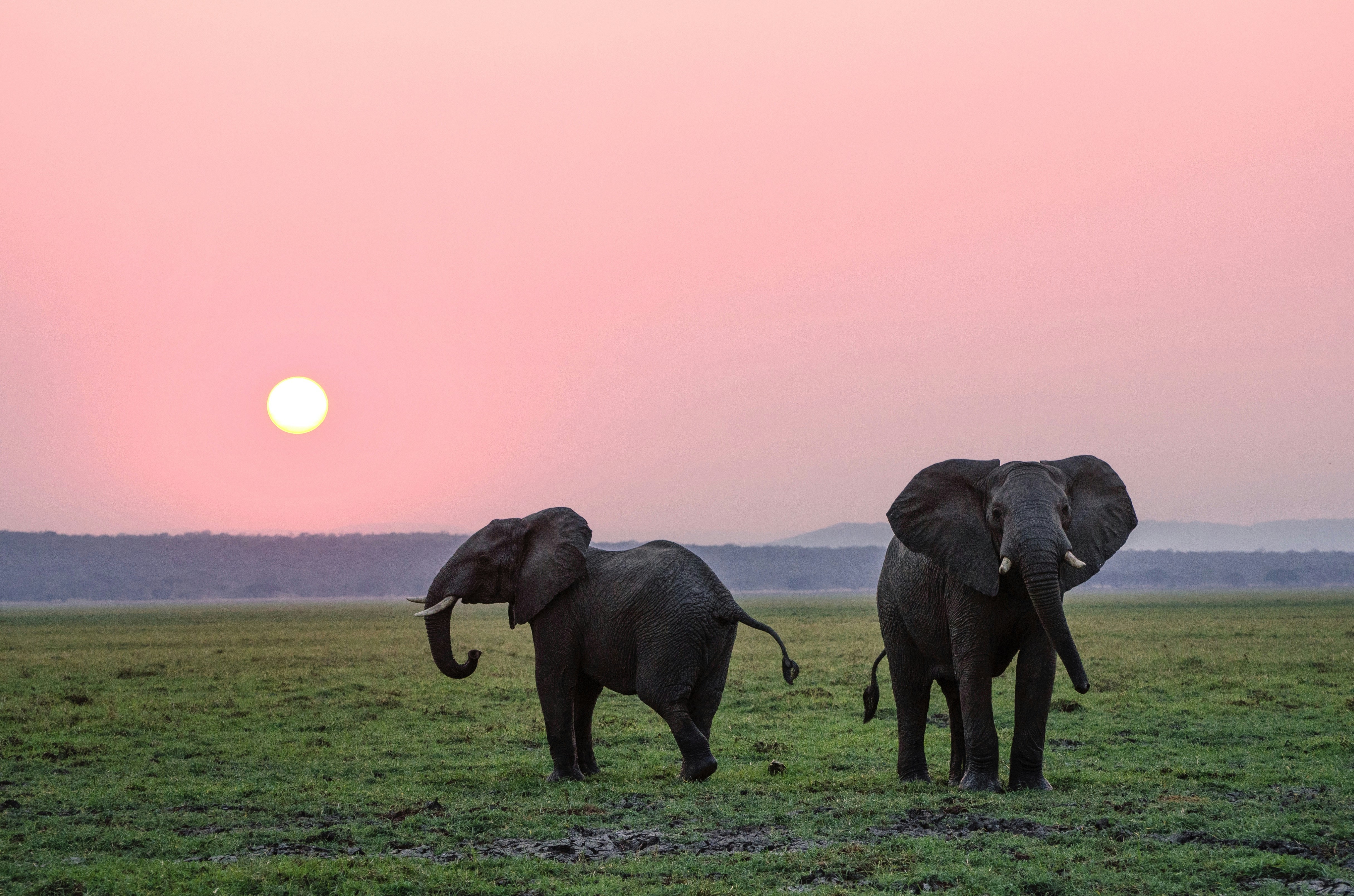
A wildlife conservation non-profit needed compelling video content to raise awareness about endangered species but had minimal budget. They needed emotionally engaging stories that would inspire donations.
The team used Animora AI to create animated documentaries featuring endangered animals as characters telling their own stories. The AI voice generator provided narration, and background music set the emotional tone.
Campaign videos reached 1.2M people across social media. Donations increased 250% during the campaign. The videos are now used in schools and museums for educational purposes.
A language learning startup wanted to add animated video lessons to their app but hiring animators for multiple languages was cost-prohibitive. They needed consistent characters speaking different languages.
They used Animora AI to create character-based dialogue scenes in 8 languages. The AI voice generator supported multiple accents and languages. Subtitles were automatically generated and synced.
Added 200+ animated lessons across 8 languages in 6 weeks. Student engagement increased 180%. App store rating improved from 3.8 to 4.7 stars due to the new video content.
Animora AI transformed how I create content. I went from spending weeks on a single animated video to producing professional-quality stories in hours. The character consistency and voice quality are incredible.
Lincoln High School

Velocity Digital Marketing
Sarah Chen, Content Creator
Emma's Storybook World
Pixel Forge Studios

Wildlife Conservation Alliance
Heritage Stories Nigeria

LinguaLearn App
Mr. Rodriguez, Science Teacher

Creative Spark Agency

Alex Martinez, TikTok Creator
Storyteller Studios
You can create any type of animated video including children's stories, educational content, folktales, love stories, sci-fi adventures, marketing videos, and more. Simply enter your idea or script, and Animora AI will generate characters, scenes, voiceovers, music, and animations to bring your story to life.
No animation experience is required. Animora AI is designed for both beginners and professional content creators. Simply describe your story idea in text, and our AI handles character creation, scene generation, animation, voiceovers, and music automatically. You can then refine everything using our intuitive timeline editor.
When you create a character by describing their appearance, age, clothing, and personality, Animora AI generates a consistent character model that is reused throughout every scene in your video. This ensures your characters look identical from start to finish, maintaining visual continuity across your entire animated story.
Yes, you have full control over every element. After AI generates your script, characters, and scenes, you can edit dialogue, regenerate specific scenes, change character voices, adjust music, trim clips, rearrange scenes, add subtitles, and modify timing using our built-in timeline editor before exporting your final video.
Animora AI supports multiple animation styles including cinematic 3D animation, Pixar-inspired family animation, anime, African cartoon styles, realistic 3D, fantasy, sci-fi, and storybook illustration. You can choose the style that best fits your story and audience when generating your scenes.
The time varies based on video length and complexity. AI script generation takes seconds, character creation takes 1-2 minutes, and scene generation and animation typically take 2-5 minutes per scene. A complete 2-3 minute animated video can usually be generated and ready for editing within 15-30 minutes.
You can generate voices with options for male or female, child or adult, various accents including African and Nigerian, and control emotional tone, speaking speed, and pitch. The AI automatically synchronizes dialogue with character mouth movements where supported, creating natural-looking speech animation.
You can export videos in MP4 format at 720p, 1080p, or 4K resolution where supported. Choose from multiple aspect ratios including 16:9 for YouTube, 9:16 for TikTok, Reels, and Shorts, or 1:1 for Instagram. Preview your video before rendering and download or share directly from the platform.
Yes, all projects are automatically saved with your script, characters, scene images, animation clips, voices, music, sound effects, timeline edits, and export settings. You can return to any project at any time to continue editing, regenerate scenes, or create new versions of your animated video.
Yes, Animora AI automatically generates or selects background music and sound effects that match your scenes, including footsteps, environmental sounds, weather effects, and action sounds. Music and sound effects are synchronized with your scenes, and you can adjust volume levels or change selections in the timeline editor.
Join thousands of content creators, educators, and storytellers who are using Animora AI to create professional animated videos in minutes. No animation experience required—just your imagination and a story to tell. Start creating stunning animated videos today with AI-powered characters, scenes, voiceovers, and music.